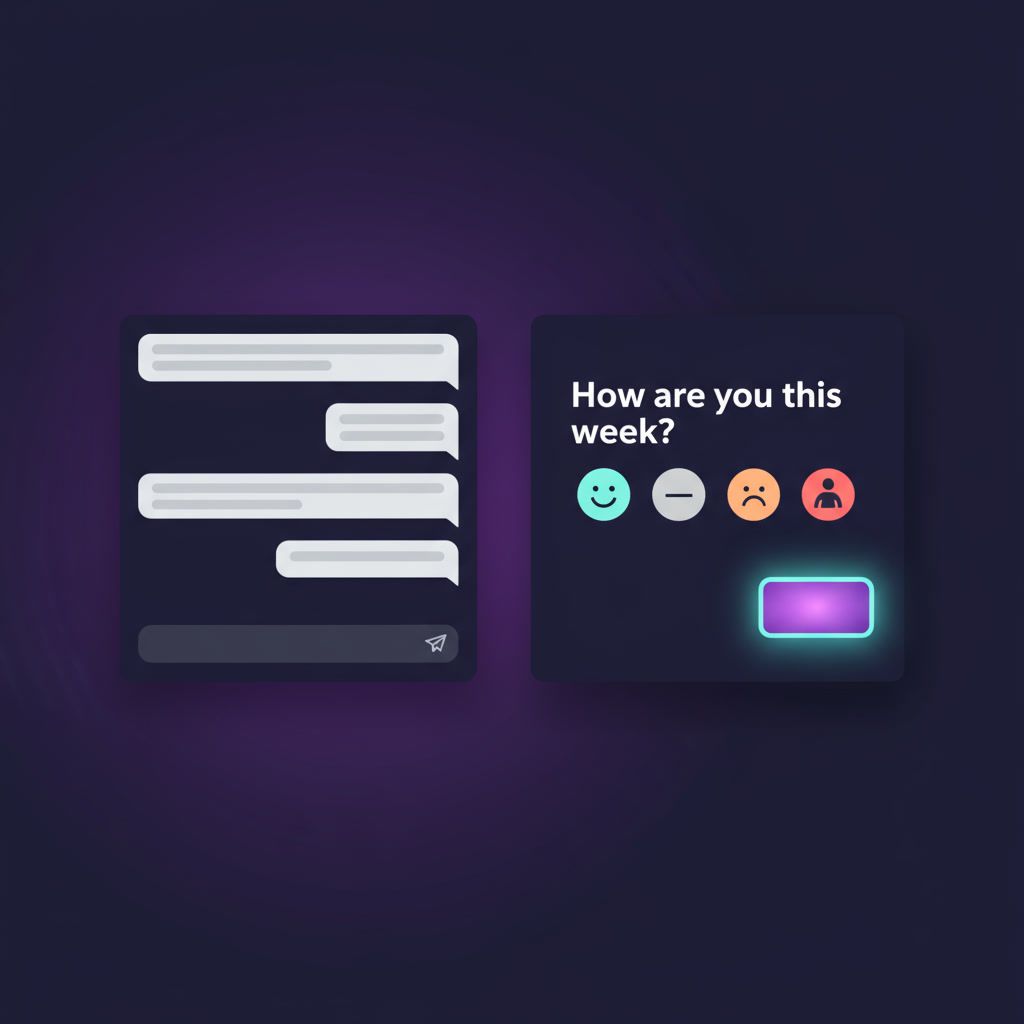
One message. One tap. Real emotional data.
Long surveys? Dead.
Zoom retros? Skipped.
HR dashboards? Ignored.
If you want real-time visibility into your team’s well-being, you need to meet them where they already are — Slack.
That’s why PulseBoard embeds lightweight check-ins directly into Slack, with zero friction and maximum participation.
Let’s break down:
- What a Slack-based pulse check looks like
- Why it beats traditional engagement surveys
- How to interpret results and act on them fast
🧪 What Is a Pulse Check?
A pulse check is a quick, recurring question that helps teams share how they’re feeling — without needing a meeting or survey form.
It can be:
- ✅ A 1–5 mood scale
- ✅ A custom emoji range (e.g., 😄😐😩)
- ✅ A yes/no on focus, energy, or workload
- ✅ An optional comment box
PulseBoard sends this directly into Slack every week (or at your custom frequency).
🔔 What Happens in Slack?
Here’s how it looks in action:
- PulseBoard bot posts:
“How are you feeling this week?”
Options: 😄🙂😐😟😩 + optional comment
- Employee taps once
- Done. No login. No delay.
You can even respond privately to ask follow-up questions — or let PulseBoard’s AI analyze and flag patterns.
📊 Behind the Scenes: What You See
Managers and admins get:
- 📈 Sentiment trend dashboard
- 🧠 AI-generated summaries per week
- 🚩 Burnout or disengagement alerts
- 🔍 Filter by team, role, location, etc.
Because when a team’s vibe drops… it’s time to act.
📈 Why Pulse Checks Work Better Than Surveys
Pulse Check
Engagement Survey
1 tap
20+ questions
Weekly
Quarterly
In Slack
Separate platform
Real-time data
Delayed reports
High participation
Low trust/interest
Emotional nuance
Generic averages
And most importantly: your team builds a habit, not another task.
🔁 What Do You DO With the Data?
Here’s how top teams use PulseBoard:
- 🧠 Spot burnout before it spikes
- 🤝 Follow up with private check-ins
- 📢 Share anonymized weekly trends company-wide
- 🎯 Improve team rituals & workload balance
- 🚀 Drive engagement — without adding meetings
💡 Bonus Use Cases
- 🚀 Startup teams tracking founder fatigue
- 🧑💼 Managers with low-visibility remote teams
- 🧘♀️ People Ops teams tracking well-being across regions
- 🔁 High-change orgs measuring change impact in real time
✅ Start Measuring What Actually Matters
Team sentiment is invisible — unless you ask.
PulseBoard lets you ask with care, speed, and zero disruption.
Try it inside Slack now → Free Trial